
Error message: Message Removed - Retry publishing
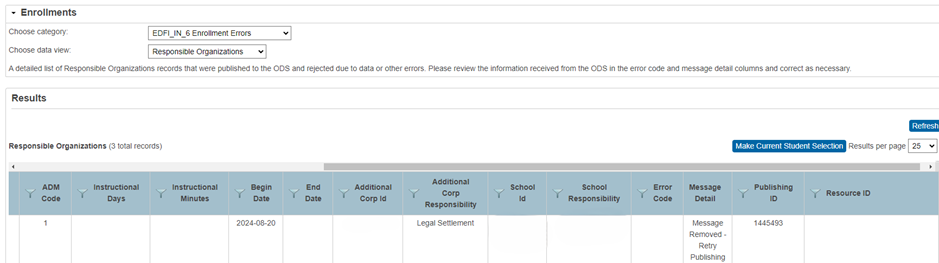
This issue is common across all resources. In this scenario, a DEX restart generally resolves the problem, unless there is a bug or an issue on the DOE end.
To restart or reset the DEX connection for an instance, follow these steps:
-
Go to the District Office.
-
Navigate to Start > System > Data Exchange - General Setup.
-
Turn the system off for 5 minutes.
-
Turn the system back on.
-
Click Configure next to the LEA Name.
-
Test the connection.
-
Save the settings.
-
Close the window.
-
Save again.